 Profile 01
Small businesses selling via WhatsApp
Businesses that receive lots of enquiries through WhatsApp, Instagram and the website and need to organise, assign and follow them up without losing any.
CRM · Marketing automation
Every contact with an owner and a next step.
We choose, configure and connect your CRM to forms, WhatsApp, email and ads, and automate follow-up so sales and marketing work from the same data.

CRM and marketing automation projects tend to fail for the same reason: a powerful tool is bought, half configured, and the team goes back to the spreadsheet and their personal WhatsApp. We start the other way round: we understand how you sell today, who touches each lead and what information each person needs to make decisions.
With that map we choose the tool that fits your size and your budget, whether HubSpot, Zoho CRM, Pipedrive or Kommo, and design pipelines with clear stages, few mandatory fields and lead scoring agreed between marketing and sales. Then we automate the repetitive work: lead assignment, tasks, reminders, emails, WhatsApp and internal notifications, using n8n, Make or each CRM's native automations.
This is the Automate stage of our Signal Method, and we know it from the inside: our team has built an omnichannel CRM with AI that brings WhatsApp, Instagram, email and web chat into a single inbox. That's why we also take care of what nobody sees, such as removing duplicates, migrating data and sending closed sales back to Google Ads and Meta.
The challenge
Before we propose anything, we look at where money or time is being lost. These are the problems we find most often.
 Challenge 01
Leads come in through the website, ads and WhatsApp, but they're shared out by hand, take hours or days to get a reply and some are simply forgotten.
 Challenge 02
You pay licences for a powerful tool the team uses as an address book, with confusing stages, fields nobody fills in and half-built automations.
 Challenge 03
Repeated contacts, unformatted phone numbers, wrongly linked companies and unknown sources make it impossible to segment, score or know which campaign brought in each sale.
 Challenge 04
Marketing celebrates how many leads came in and sales complains about their quality, because there's no shared definition and no data on what happens after the form.
A lead with no follow-up is marketing budget thrown away.
What we do
We implement HubSpot, Zoho, Pipedrive or Kommo with pipelines, lead scoring and automations your team actually uses.
 01
We map your sales process, your inbound channels and your current tools, and compare options such as HubSpot, Zoho CRM, Pipedrive or Kommo against your size, your budget and the way you sell.
 02
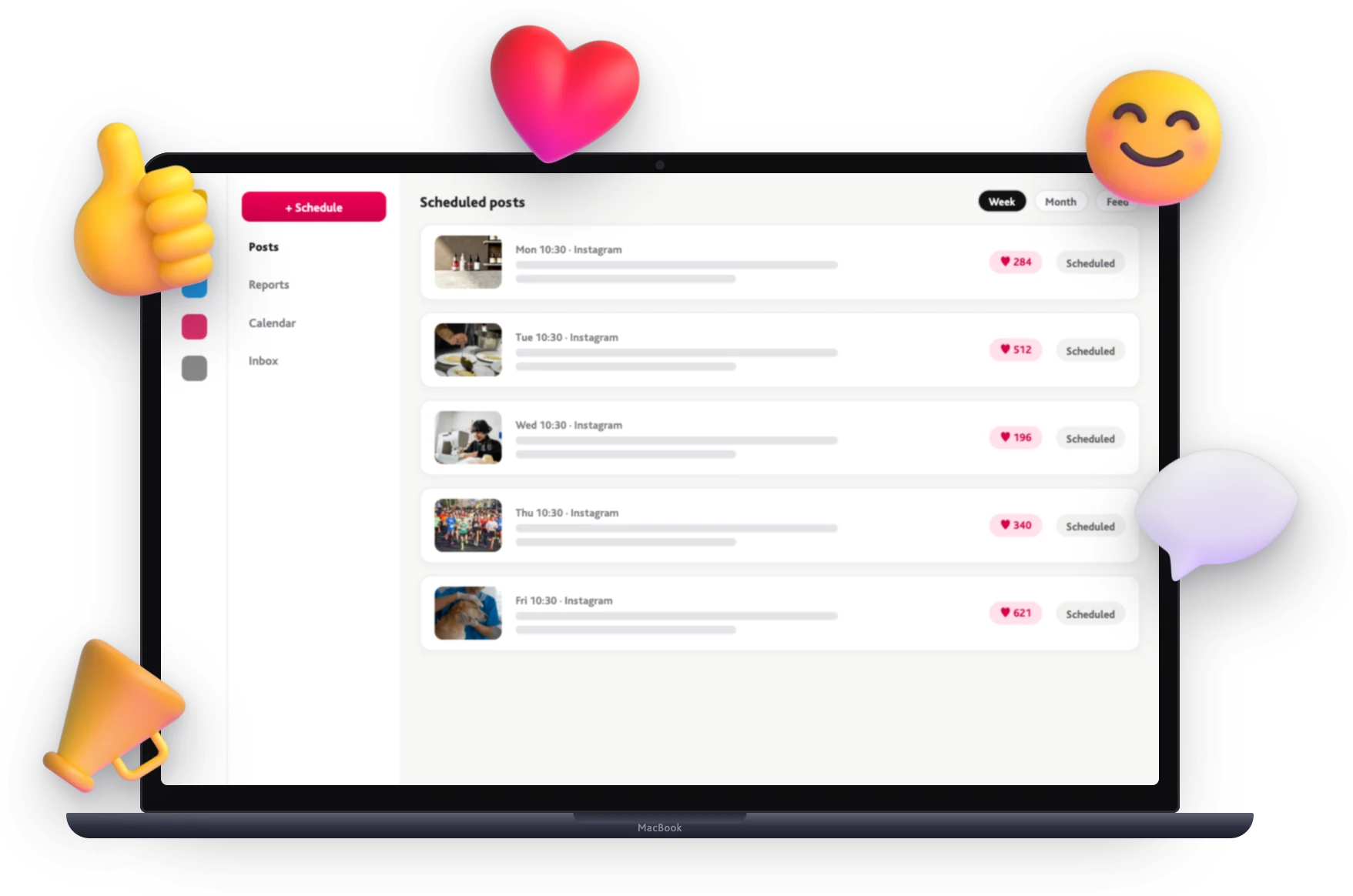
We design sales stages with clear entry and exit criteria, useful properties, views by role and dashboards that show the real state of the business without exporting anything to Excel.
03 We agree with marketing and sales what a qualified lead is and turn it into scoring rules based on profile and behaviour, so your team calls those closest to buying first.
04 Automatic lead assignment, tasks and reminders, email and WhatsApp sequences, internal notifications and stage changes, built with the CRM's own tools or with n8n and Make when you need to go further.
05 We connect forms, WhatsApp, your store, invoicing and ads, and send closed sales to Google Ads and Meta so campaigns optimise towards real customers, not form fills.
 06
We migrate contacts, companies and deals from spreadsheets or another CRM, remove duplicates, standardise fields and leave rules in place so the database stays clean over time.
How we work
Each phase ends with a deliverable you review and approve, so you always know where your project stands.
We interview marketing, sales and support, review your tools and map how a lead flows today until it becomes a customer.
We define pipelines, properties, scoring, automations and integrations, and validate it all with you before configuring anything.
We configure the CRM, migrate and clean the data, connect the channels and test every automation with real cases.
We train each role on its own use case, leave short guides and support the team through the first weeks of real use.
Every month we review data, response times and conversion by stage, and adjust rules and automations with your team.
What's included
What we measure and report
A monthly report in plain language and an up-to-date dashboard whenever you need it.
Who it's for
Profile 01 Businesses that receive lots of enquiries through WhatsApp, Instagram and the website and need to organise, assign and follow them up without losing any.
Profile 02 Industrial, software, logistics or services companies with long sales cycles, several salespeople and a need to forecast revenue from reliable data.
Profile 03 Teams that have outgrown spreadsheets or their current CRM and need to migrate without losing history or slowing down sales.
Industries where we use it most
Real projects
Projects by our team where this service played a key part.
See all workOmnichannel AI CRM for selling over chat
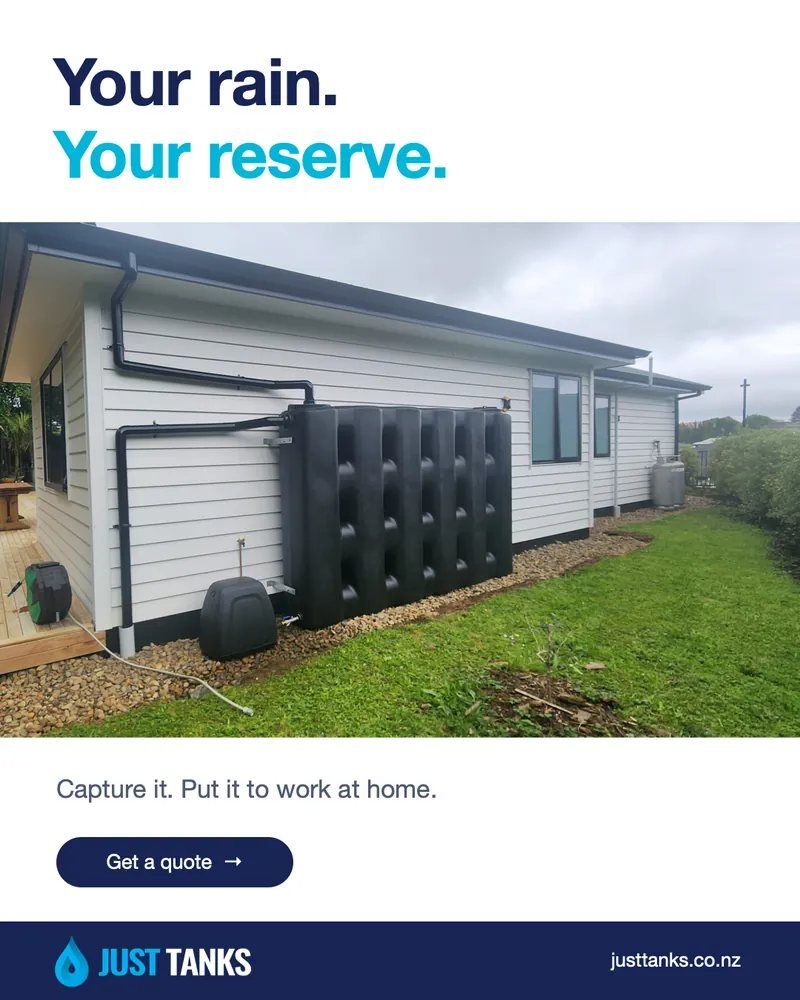
View case studyJust Tanks
View case study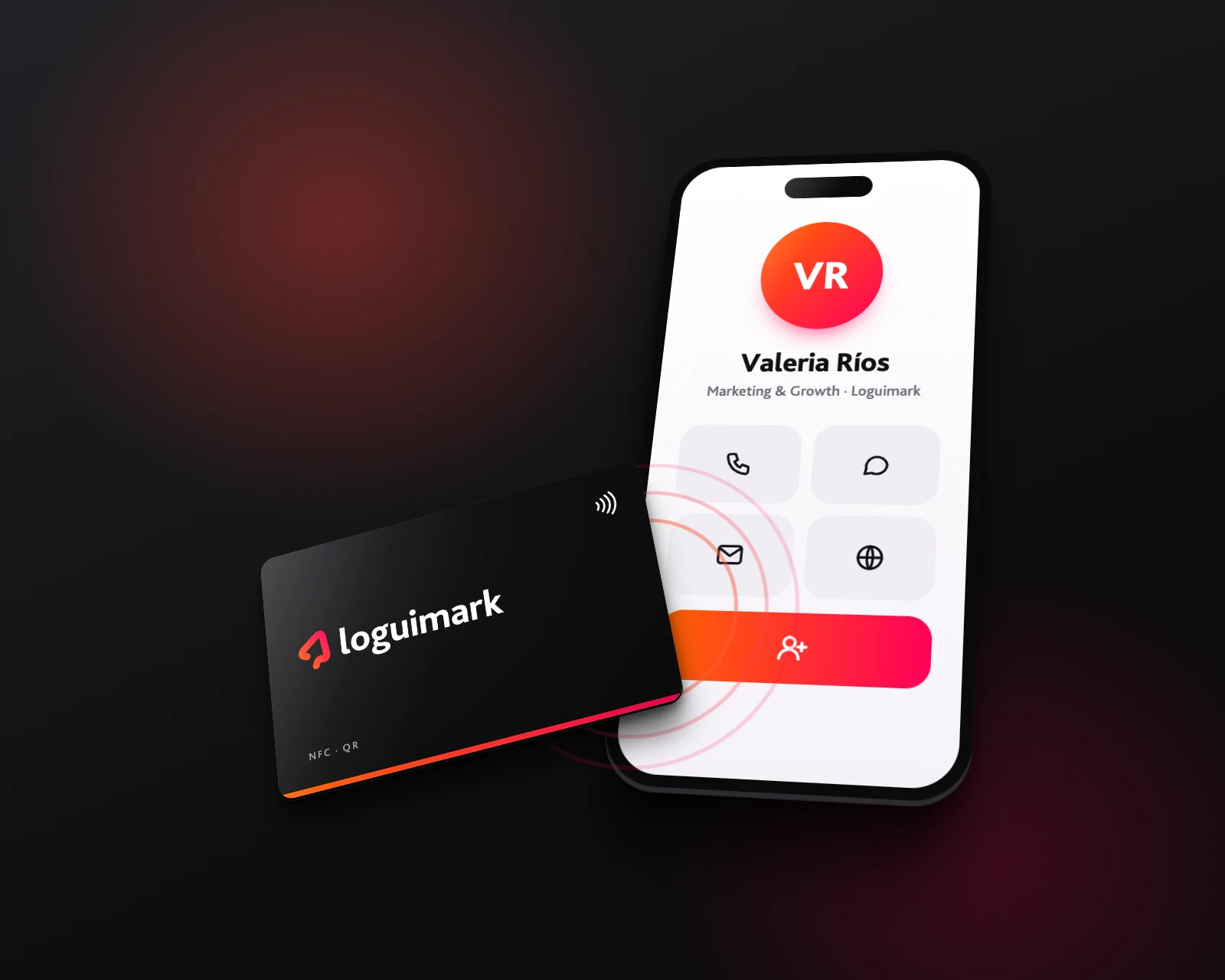
Loguimark NFC
View case studyKeep exploring



Growth and retention
Our CRM and automation assessment shows you exactly what to improve first, with priorities and timelines.
FAQ
It depends on the CRM chosen, the number of users and pipelines, the integrations and how much data has to be migrated and cleaned. Licences are paid directly to the CRM provider and are in your name; our fees cover design, implementation, training and support. After the assessment we give you a fixed quote in writing.
There isn't one that's best for everyone. HubSpot stands out when you want marketing, sales and service on one platform; Pipedrive, when you're after a simple pipeline for a sales team; Zoho CRM, for its balance of features and price; and Kommo, when WhatsApp and Instagram are your main sales channel. We decide with your process, your team and your budget in front of us.
A simple CRM, with one pipeline and few integrations, can be up and running in a few weeks. If there are several teams, a migration from another system or integrations with invoicing and your store, the project takes longer and is best done in phases. What matters isn't switching it on quickly but the team using it: that's why we include training and support.
Yes. We export contacts, companies, deals and, where the tool allows it, notes and history. Before importing them we clean out duplicates, standardise phone numbers and email addresses and decide which fields are worth keeping. We run a test with a sample, you validate it and only then do we migrate everything, so the team doesn't lose information.
Lead scoring assigns points to each contact based on their profile, such as industry or job title, and their behaviour, such as visits, downloads or replies, to prioritise who to call first. You need it when more leads come in than your team can handle well. If you receive only a few, some simple qualification rules are enough, and we expand it as volume grows.
Yes. The CRM account, the licences and all customer data are yours and in your name. We work with administrator users you can revoke whenever you like, document every automation and, if you ever decide to change teams, everything stays with you, up and running.
Let's talk
We reply with specific questions and, if we're a good fit, a clear proposal: what we'd do, in what order, on what timeline and for what budget.
We reply within one business day with what we need to know.
A 30-minute meeting to understand your business and your goals.
A written proposal with plan, timeline and fixed budget.
Ask AI about us
 Loguimark