 Profile 01
Start-ups and SaaS products
Teams launching or scaling a digital product that need people to understand and use it from day one.
UX/UI design
If it needs explaining, it needs redesigning.
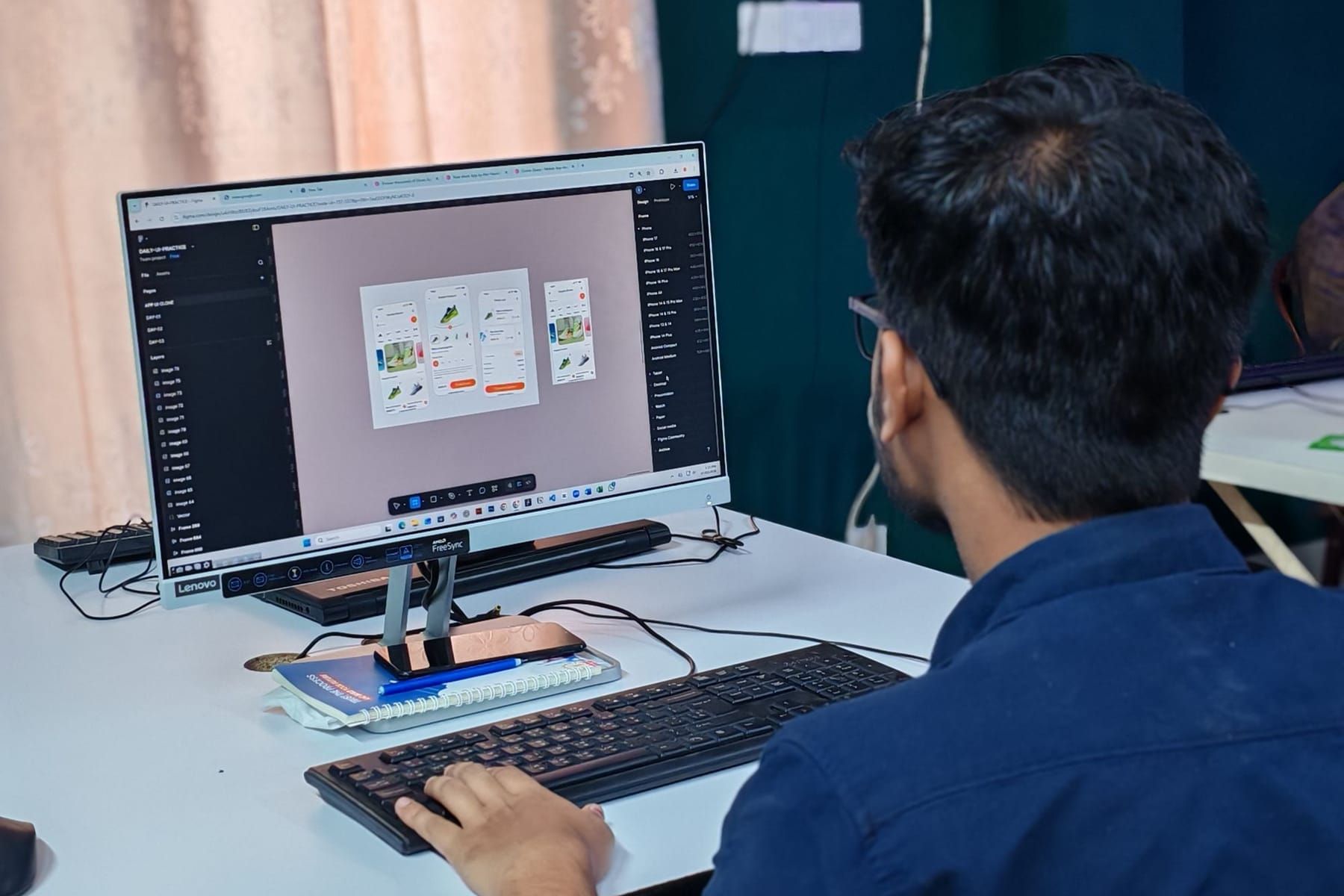
We research your users, design flows and screens in Figma, test them with real people and deliver a design system ready for the development team to build.
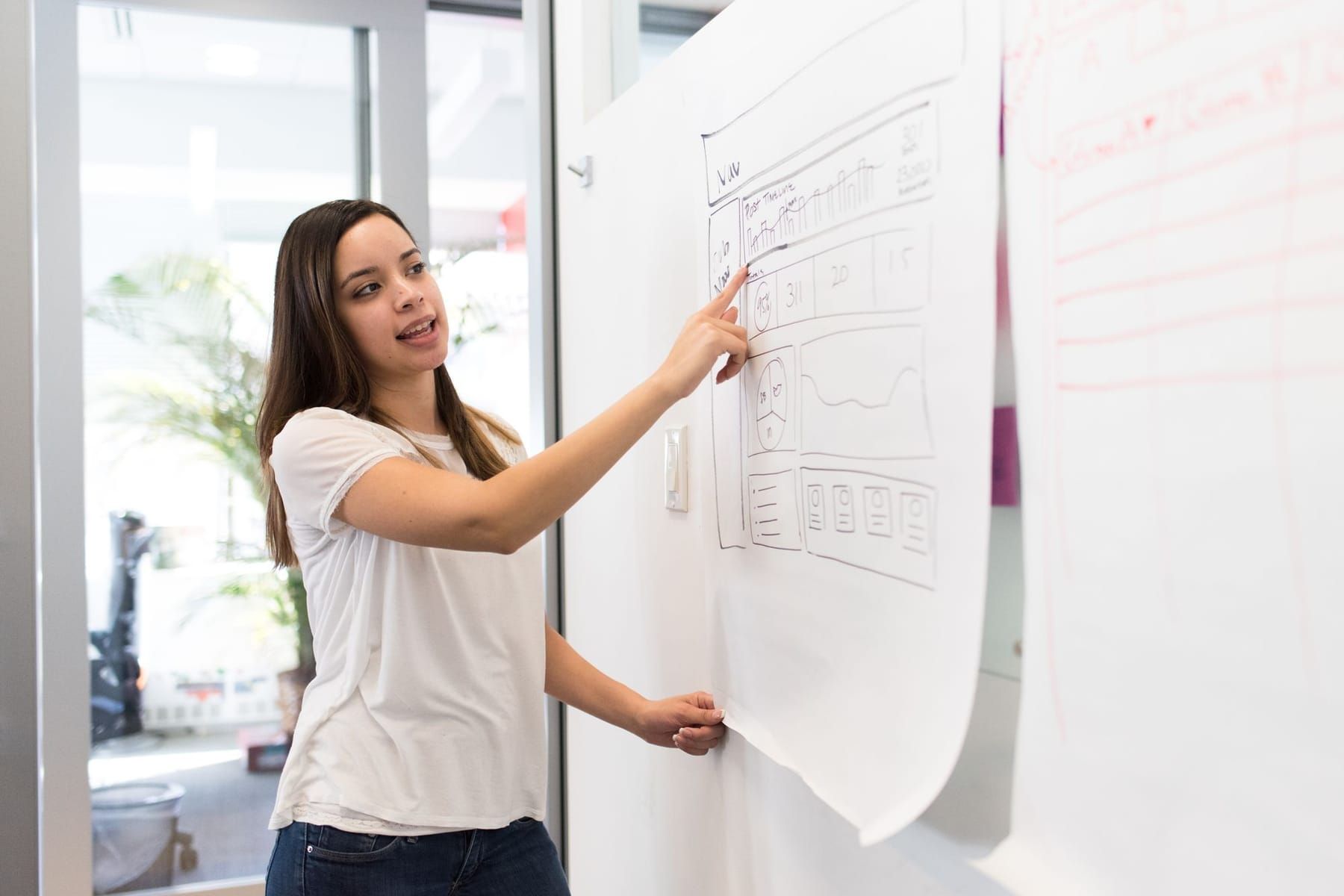
Good UX/UI design reduces errors, support enquiries and drop-offs, because people understand what to do without thinking twice. We work on mobile apps, SaaS platforms, internal dashboards and online stores, always starting from the real tasks your users need to complete.
Our team also develops software, so we design with the build in mind. We have created products such as an app for professional drivers, a GPS fleet tracking platform, an Android TV app and an omnichannel CRM with AI. That avoids attractive screens that later prove impossible or very expensive to build.
We work in Figma with components, styles and variables that form a reusable design system, and validate with clickable prototypes before writing a line of code. We apply the WCAG accessibility guidelines so the product also works for people with low vision, colour blindness or who navigate by keyboard.
The challenge
Before we propose anything, we look at where money or time is being lost. These are the problems we find most often.

 Challenge 01
People cannot find what they are looking for, do not understand what to do on each screen or give up halfway through a process that seemed simple.
 Challenge 02
The team spends hours explaining how to do something the interface should explain by itself, and every new version adds more questions.
 Challenge 03
Each module was designed at a different time, with different buttons, colours and patterns, and the product looks as if several teams built it without talking to each other.
 Challenge 04
Screens get approved without thinking about states, errors or real data, and the development team improvises or redoes the work mid-project.
Every extra click is a customer having second thoughts.
What we do
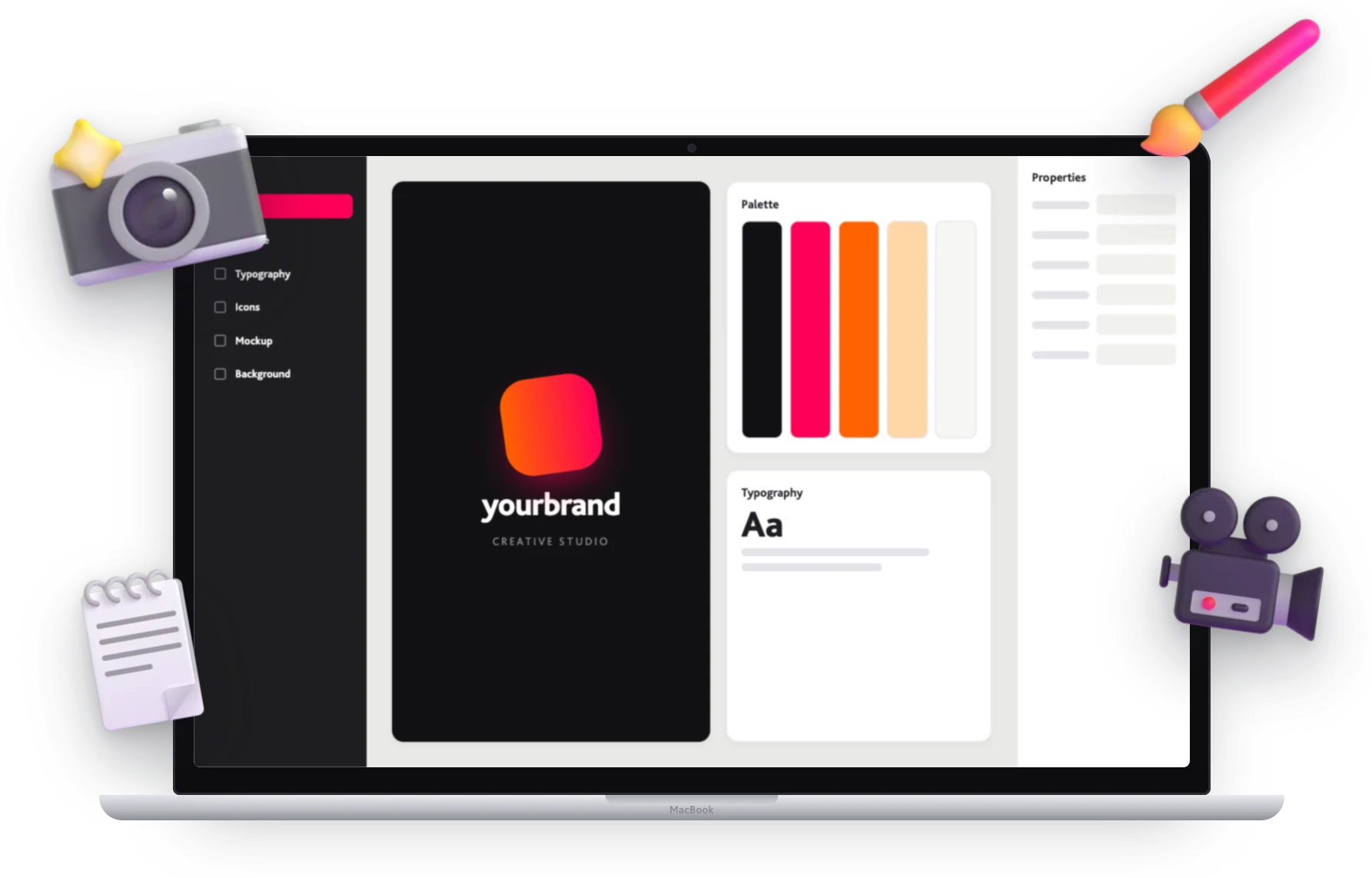
Research, Figma prototypes and design systems for apps and platforms that are easy to use.
 01
We interview users, analyse usage data and review support to understand tasks, frustrations and context, and summarise it in actionable personas and user journeys.
02 We review your current product against usability and accessibility criteria, find the points where users get stuck and prioritise the improvements by impact and effort.
 03
We organise the information and design the key flows, such as sign-up, purchase, booking or service activation, with the minimum number of steps and no dead ends.
 04
We build clickable prototypes in Figma and test them with real users before development, to fix problems while they are still cheap to change, not after launch.
05 We design the final screens and a system of components, styles and variables in Figma that keeps the product consistent and speeds up the design of every new feature.
 06
We document states, errors, empty states, phone and desktop versions and specifications in Figma, and work alongside the development team during the build to answer questions on the spot.
How we work
Each phase ends with a deliverable you review and approve, so you always know where your project stands.
We get to know the business, the users and the product metrics, and review data, support and competitors.
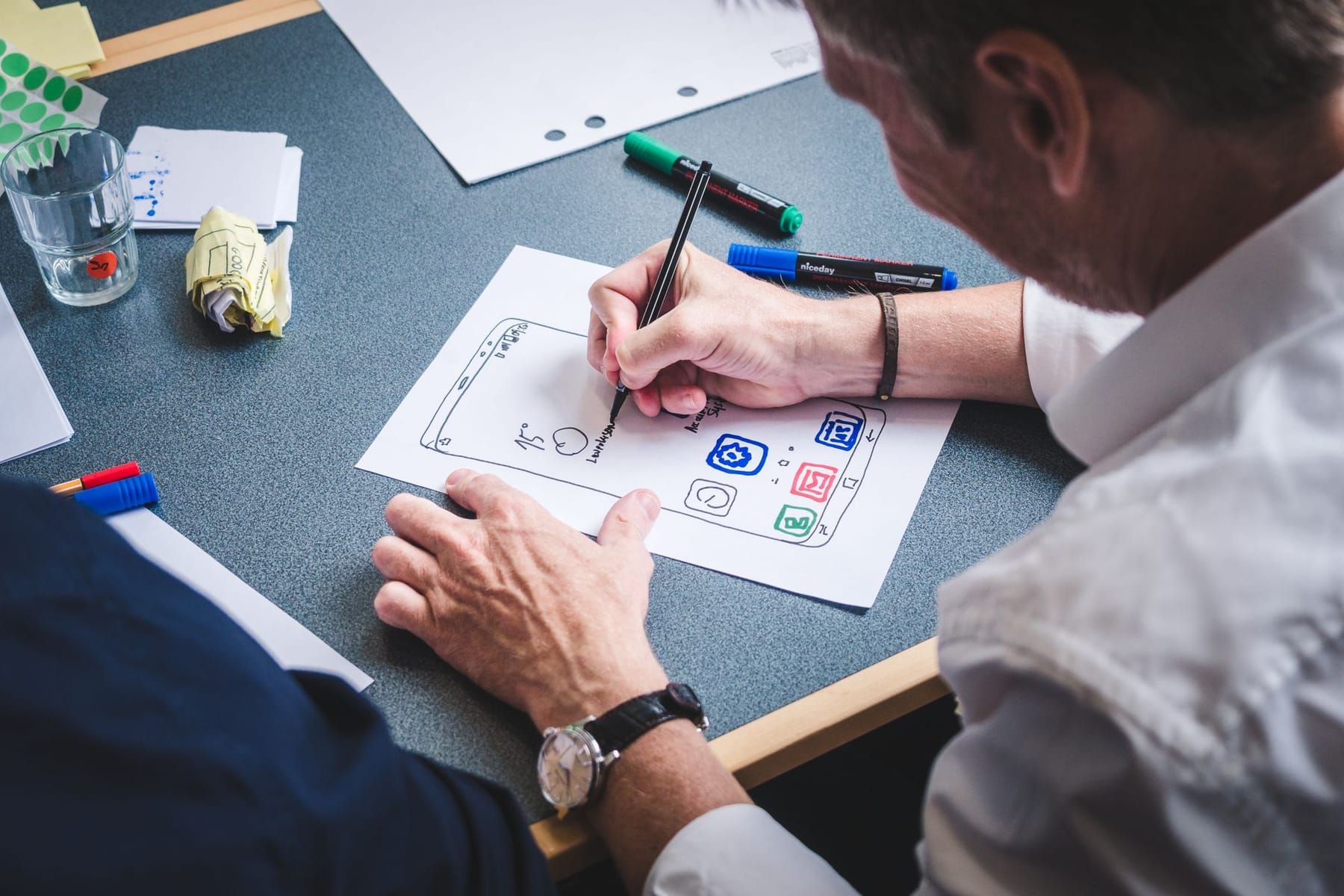
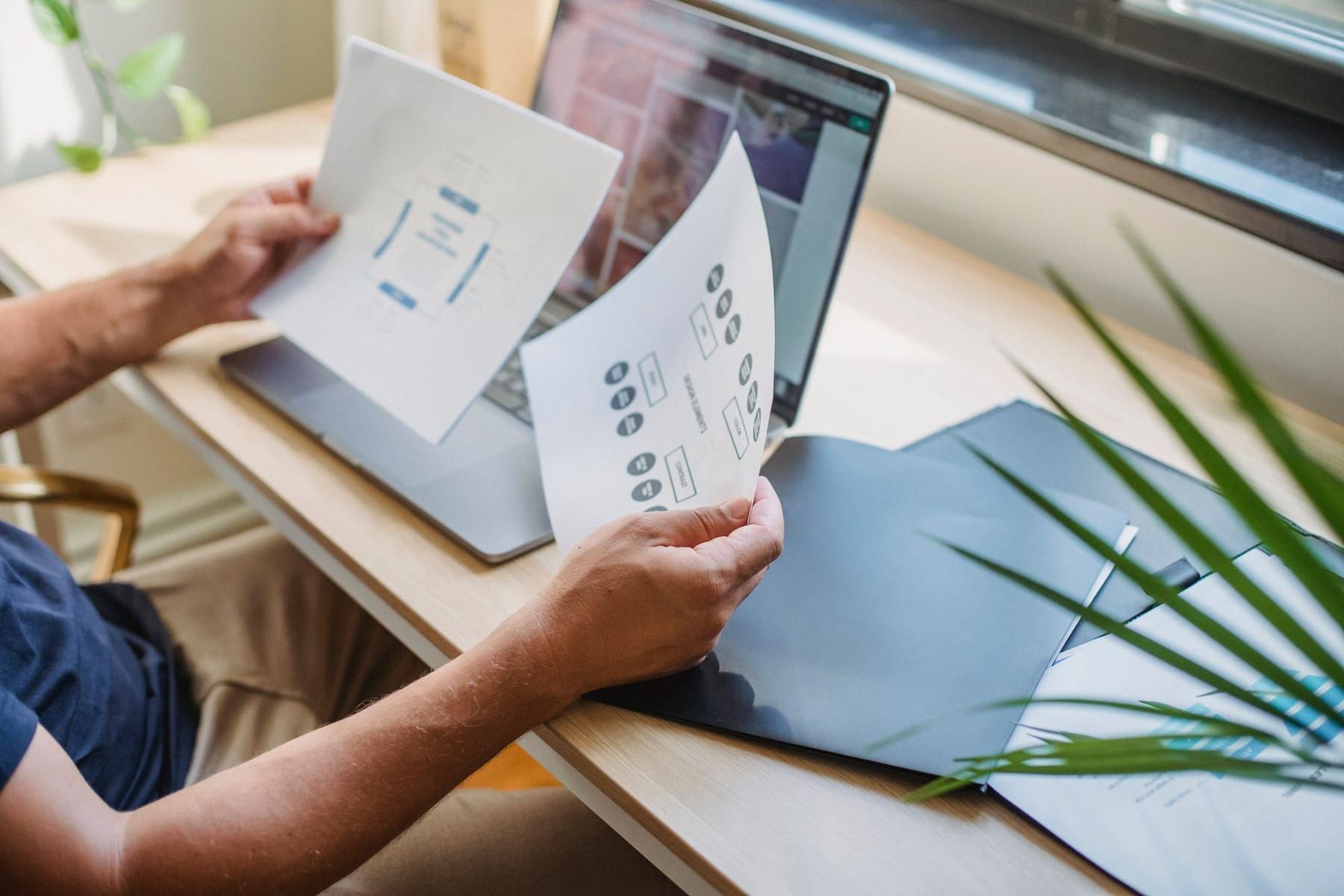
We define the structure and the main flows in low fidelity to agree how it works before how it looks.
We test a clickable prototype with real users and adjust whatever causes doubts or errors.
We design the complete interface on a component system and review it with you screen by screen.
We hand the files to the development team, answer questions during the build and measure usage after launch.
What's included
What we measure and report
A monthly report in plain language and an up-to-date dashboard whenever you need it.
Who it's for
Profile 01 Teams launching or scaling a digital product that need people to understand and use it from day one.
Profile 02 Organisations with apps, dashboards or internal systems that work, but that nobody enjoys using or fully masters.
 Profile 03
Businesses where every step of sign-up, booking or payment has a direct impact on sales.
Industries where we use it most
Real projects
Projects by our team where this service played a key part.
See all workIn-house GPS tracking and telemetry platform
View case studyTihei Ltd
View case studyLive TV platform for an internet provider's customers
View case studyKeep exploring

Design and branding
Our UX/UI design assessment shows you exactly what to improve first, with priorities and timelines.
FAQ
It depends on the number of flows and screens, whether we start from scratch or from an existing product, how much user research is needed and whether you need a full design system. Improving one specific flow is not quoted the same way as designing an entire app. After discovery we give you a fixed quote in writing.
UX is the user experience: how the product works, in what order things are done and how many steps it takes to reach a goal. UI is the interface: how the screens, buttons, text and colours look. A beautiful interface with a poor experience frustrates; a good experience with a poor interface does not inspire trust. We work on both together.
It almost always pays off. Whoever designs or commissions a product knows how it works too well and does not see the obstacles a newcomer runs into. A few sessions on a prototype usually bring out the most important problems, and fixing them in Figma costs far less than doing so once the product has been built.
Yes. We deliver organised Figma files, with components, styles, variables, states, errors and phone and desktop versions, and work alongside the development team during the build. If you like, we can do the development too, because the same team designs and builds apps, custom software and SaaS platforms.
Yes, and it is one of the most common cases. We start with a usability audit and usage data to find where users get stuck, prioritise by impact and redesign in stages, without stopping the product. That way you can measure the effect of each improvement before tackling the next.
Let's talk
We reply with specific questions and, if we're a good fit, a clear proposal: what we'd do, in what order, on what timeline and for what budget.
We reply within one business day with what we need to know.
A 30-minute meeting to understand your business and your goals.
A written proposal with plan, timeline and fixed budget.
Ask AI about us
 Loguimark