 Profile 01
Businesses new to HubSpot
Teams that have just signed up to the platform, or are about to, and want an orderly onboarding and clean data from day one.
HubSpot agency · HubSpot partner
Marketing, sales and service, finally together.
We're a HubSpot partner. We set up the CRM, migrate your data and automate marketing, sales and service so every lead gets followed up and every sale can be measured.


As a HubSpot agency and a partner of the platform, we start before touching the tool: we get to know how you sell, who handles each lead and what each person needs to see to make decisions. HubSpot brings marketing, sales and customer service together in one CRM, with free tools to get started and Starter, Professional and Enterprise plans depending on what you need to automate.
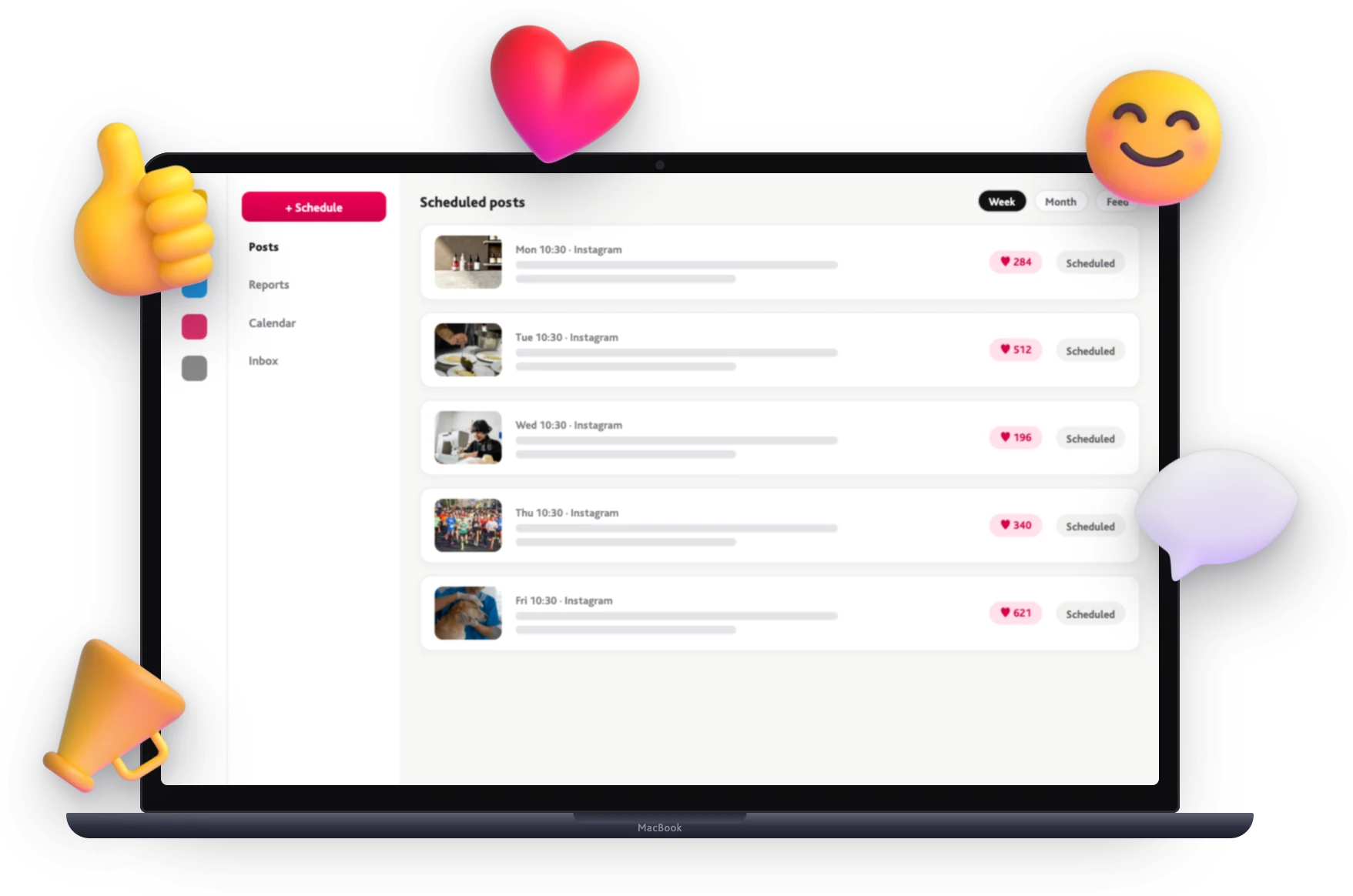
With that map we set up pipelines, properties and permissions, migrate your contacts from spreadsheets or another CRM and connect what you already use: your WordPress website, your Shopify store, WhatsApp and your Google Ads and Meta accounts. Then we automate the repetitive work with workflows, lead scoring and sales sequences, and leave dashboards that show where each opportunity comes from. This is the Automate stage of our Signal Method.
In New Zealand we deliver HubSpot projects together with YetiTech, our local partner in Whanganui, which lists itself as a HubSpot Gold Partner. YetiTech leads onboarding and implementation, and Loguimark works alongside them throughout the process. We work in phases, with one account lead and written objectives, train each role on its own use cases, document what we build and review the data with you every month.
The challenge
Before we propose anything, we look at where money or time is being lost. These are the problems we find most often.


 Challenge 01
You pay for a plan with powerful features, yet the team only stores contacts, the pipeline stages are confusing and the workflows were left half built after onboarding.
Challenge 02 Repeated contacts, companies that aren't associated, properties created on the fly and unknown sources make it impossible to segment, score leads or trust any report.
Challenge 03 Google and Meta lead forms, the website and WhatsApp come in by different routes, get shared out by hand and nobody knows which campaign brought each sale.
 Challenge 04
Each area exports its figures to a different spreadsheet, the dashboards don't match the invoicing and decisions end up being made on gut feeling.
A CRM is only as good as its data and its habits.
What we do
Onboarding, migration, automations and integrations in HubSpot so marketing and sales share data.
 01
We create or review your account, define users, teams and permissions, and set up sales pipelines, stages with clear criteria and useful properties, so HubSpot reflects the way you really sell.
02 We import contacts, companies and deals from spreadsheets or another CRM, remove duplicates, standardise fields and run a test with a sample before migrating the whole database.
03 We build forms, landing pages and live chat connected to the CRM, so every contact comes in with its source, its consent and an assigned owner from the first minute.
 04
We build welcome, nurture and re-engagement workflows, lead scoring by profile and interest, and segmented email campaigns, with the conditions and timings agreed with your team.
 05
We set up sequences of emails and tasks for the sales team, templates and meeting scheduling, and in Service Hub the tickets and shared inbox, so every enquiry has an owner and a deadline.
 06
We connect your website, WordPress, Shopify, WhatsApp and your Google Ads and Meta accounts, sync lead ad forms and conversions, and create dashboards that show which channel brings in customers.
How we work
Each phase ends with a deliverable you review and approve, so you always know where your project stands.
We review your sales process, your data and your HubSpot account, if you already have one, and agree objectives and a work plan.
We build pipelines, properties, permissions and forms, and validate them with you before loading any real data.
We clean and import the database, and connect the website, the store, WhatsApp and the ad accounts.
We switch on workflows, lead scoring and sales sequences, tested with real cases before turning them on for the whole team.
We train each role, leave short guides and review the dashboards, usage and outstanding adjustments every month.
What's included
What we measure and report
A monthly report in plain language and an up-to-date dashboard whenever you need it.
Who it's for
Profile 01 Teams that have just signed up to the platform, or are about to, and want an orderly onboarding and clean data from day one.
Profile 02 Manufacturing, software, services or property businesses with several salespeople, many open conversations and the need to forecast revenue with reliable data.
 Profile 03
Businesses that have been paying for HubSpot for some time, with duplicated properties, inherited automations and reports nobody looks at any more.
Industries where we use it most
Keep exploring




Growth and retention
Our assessment for HubSpot: CRM and automation shows you exactly what to improve first, with priorities and timelines.
FAQ
HubSpot is a platform that brings a business's marketing, sales and customer service tools together in one CRM: contacts, deals, forms, email, automations, tickets and reports. It's organised into products such as Marketing Hub, Sales Hub, Service Hub, Content Hub and Data Hub, and includes an AI assistant, Breeze Assistant. Its purpose is to have every team working from the same data on each customer.
The free CRM lets you manage contacts, deals and tasks, create forms, landing pages, chat and email, and view basic dashboards, with limits on users and contacts. Workflows, lead scoring, sales sequences and the WhatsApp connection require Professional or Enterprise plans of the relevant hub. In the assessment we tell you which plan you genuinely need and which one you can do without.
It depends on the hubs and plan you take out, the number of users, the data to be migrated and the integrations. Licences are paid separately, directly to HubSpot, and are in your name; on Professional and Enterprise plans, HubSpot may add a required one-off onboarding fee, and we explain the options before you sign up. After the assessment we give you a fixed quote in writing.
Yes. HubSpot has an official WordPress plugin that adds the tracking code, forms and chat, and a Shopify integration that syncs customers, products, orders and carts. It also lets you connect a WhatsApp Business account to the conversations inbox on the Professional and Enterprise plans of Marketing Hub or Service Hub, and receive lead ad forms from Google and Meta. We set it all up and check that every piece of data comes through correctly.
A simple rollout, with one pipeline, forms and few integrations, can be up and running within a few weeks. If there are several teams, a migration from another CRM or integrations with the store and ad accounts, it is better done in phases: first what the team needs to do its work and then the automations. After the assessment we give you a timeline in writing.
In New Zealand we deliver HubSpot projects together with YetiTech, our local partner in Whanganui, which lists itself as a HubSpot Gold Partner. YetiTech leads onboarding and implementation, and Loguimark works alongside them throughout the process. The HubSpot account, the licences and all the data are yours and in your name. We work with users you can revoke at any time and document every automation, so everything keeps working with you.
Let's talk
We reply with specific questions and, if we're a good fit, a clear proposal: what we'd do, in what order, on what timeline and for what budget.
We reply within one business day with what we need to know.
A 30-minute meeting to understand your business and your goals.
A written proposal with plan, timeline and fixed budget.
Ask AI about us
 Loguimark